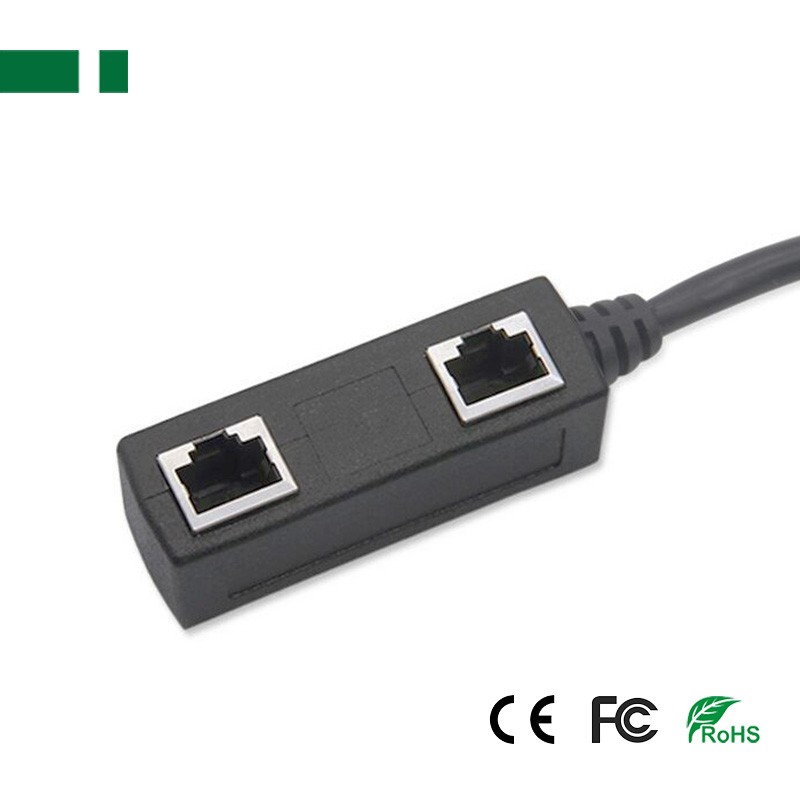
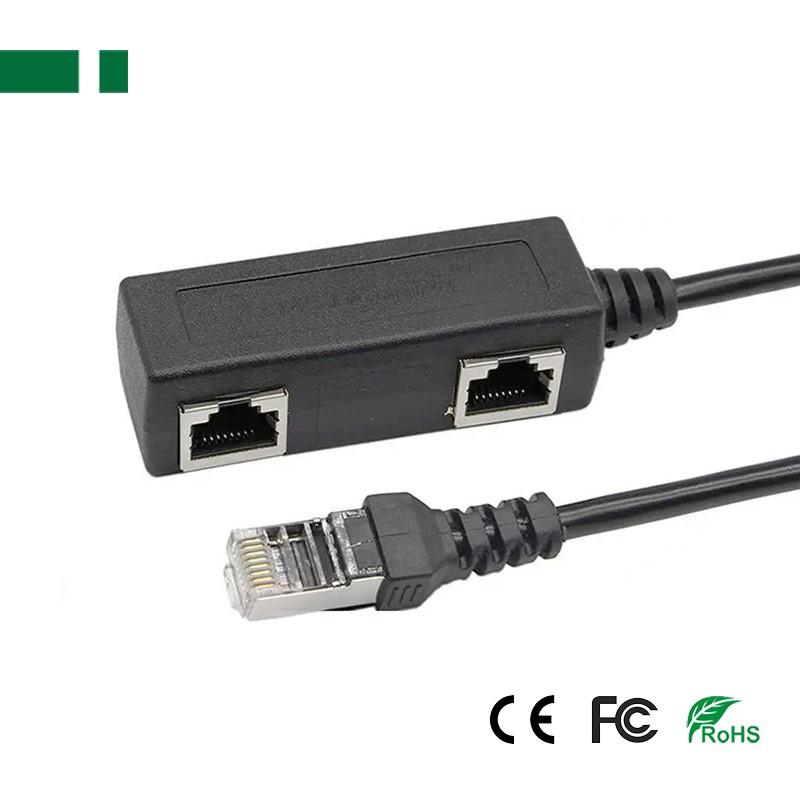
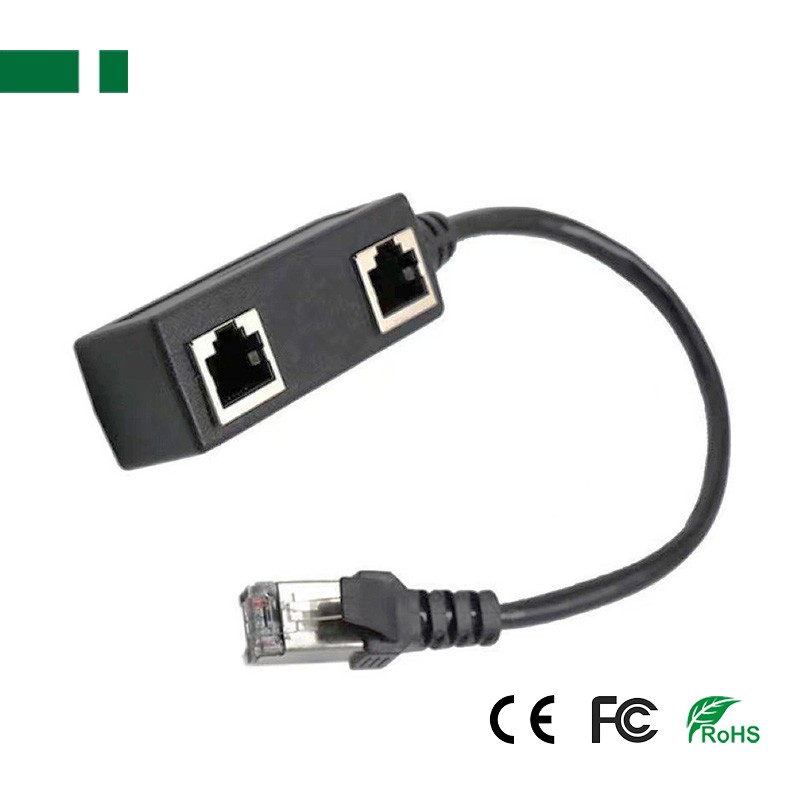
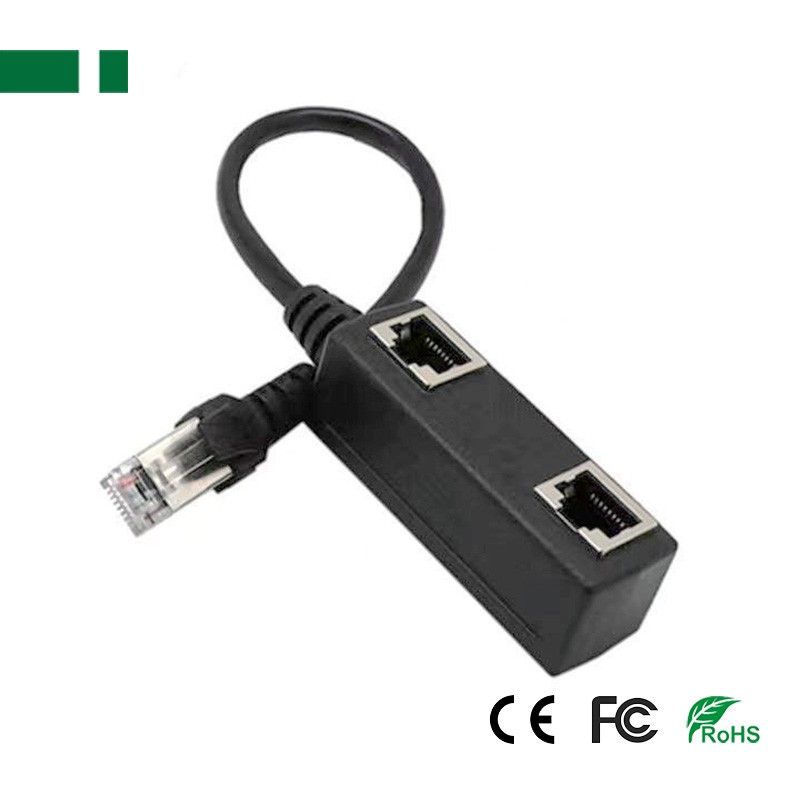
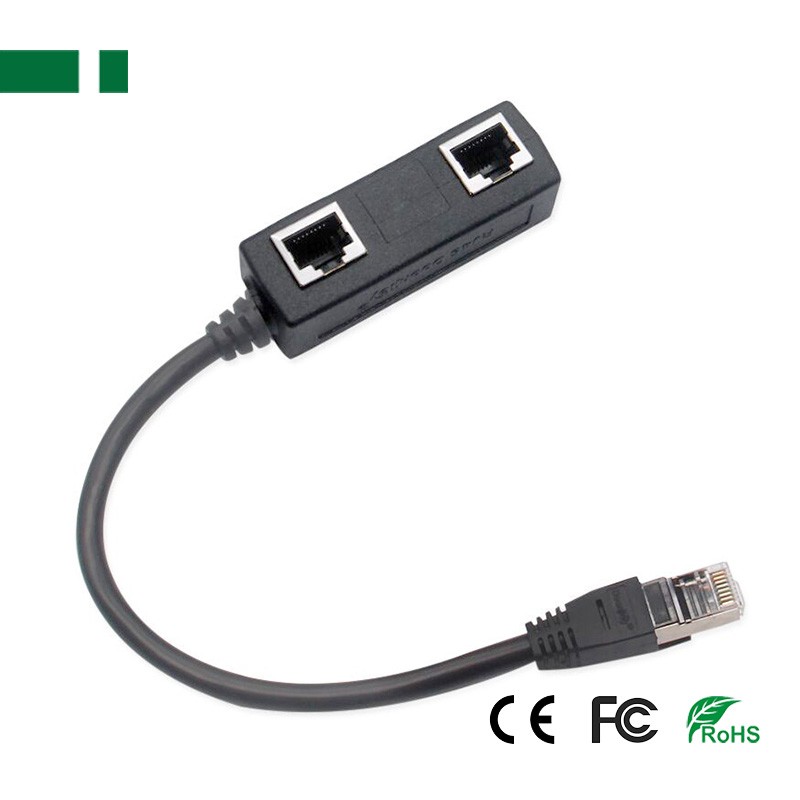
▪ RJ45 Ethernet LAN Extended Splitter Cable
▪ Color: Black
▪ Pattern: 1. Only one splitter cable only 2. splitter cable with Network line
▪ Port: Male to 2 Female
▪ Type: Ethernet Crossover (RJ-45)
▪ This RJ45 Ethernet Splitter allow 2 computers to share high speed DSL, cable modem or other Ethernet ports.
Description
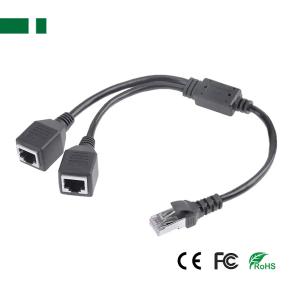
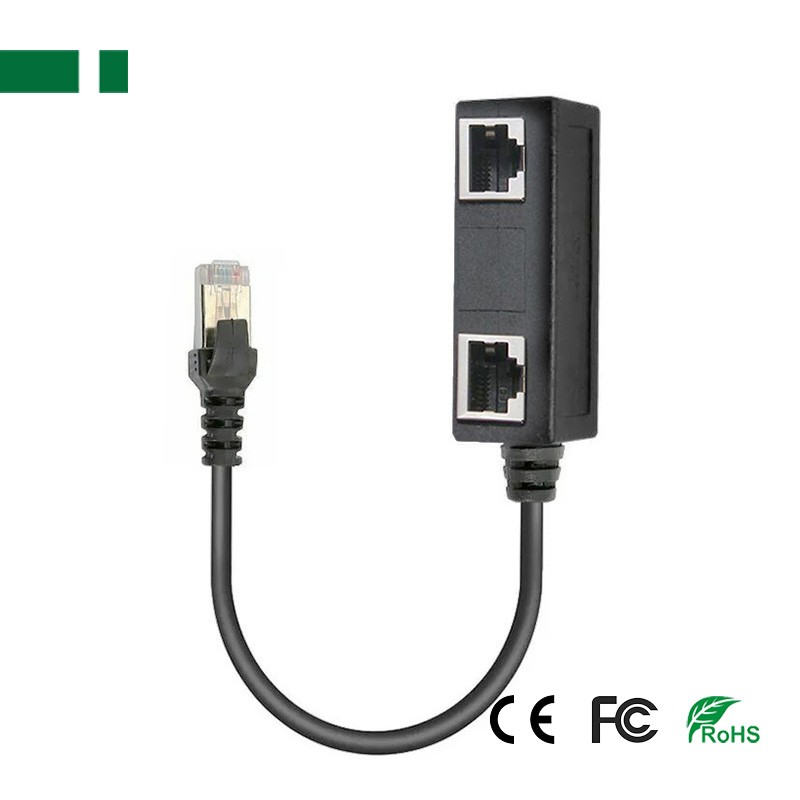
A: RJ45 extension cable 1/2 Network Cable adapter cable connecting cable 1 male and 2 female;
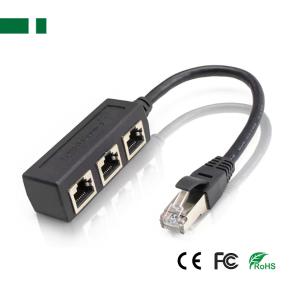
B: RJ45 extension cable 1/3 network cable, network splitter adapter cable rj45 one male and three female cable;
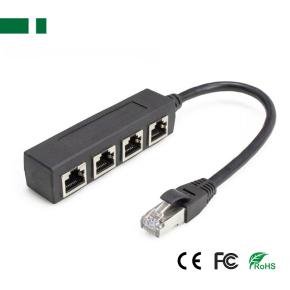
C: RJ45 1 Male to 4 Female LAN Ethernet Network Socket Port Splitter Ethernet Cable;
▪ Allow two computers to share high-speed DSL, standard 8P8C design. It is compatible with Cat5, Cat5e, Cat6, and Cat7.
▪ Use this network splitter to easily convert RJ45 connections into three RJ45 sockets.
▪ Resolving router port numbers is not enough: The advantage of this adapter design is that a laptop is often used back and forth in three different fixed positions, which is a very troublesome problem. The network cable is damaged, and this RJ45 1 to 3 RJ45 Ethernet splitter helps you not have to pull the cable back and forth.
▪ Solution to the problem of insufficient installation of network cables: If you have a network cable installed in your room and you have three computers (or other devices such as a TV), you can use this RJ45 1 to 3 way RJ45 Ethernet splitter to help you avoid pulling cables back and forth.
▪ Note: This Ethernet splitter allows all three computers to share one Ethernet line at a time, but it does not support two computers connecting to the Internet at the same time.
▪ Use a gold-plated core to ensure signal transmission.
▪ PCB has built-in conductive circuits that can damage the conductors.
▪ It can protect against interference from external electromagnetic signals and avoid damaging internet signals.
▪ Using this separator, three network cables can be connected to longer cables.
▪ Allow laptops to access Ethernet in different rooms without having to pull cables from another room
▪ Go to the room to connect to this computer
▪ You will connect the Ethernet cable from the wall to the splitter cable, and one from the splitter to the computer (or laptop),
▪ One from the distributor to another computer (or laptop).
▪ Material: ABS+copper
Contact: Sales Departmment
Phone: 0086-13509605206
E-mail: info@casview.com
Whatsapp:86-13509605206
Add: 4F, B Building, Lanshang Pioneering Park, Xinfeng Rd, Longgang District, Shenzhen, China